


Node Version Manager Tool

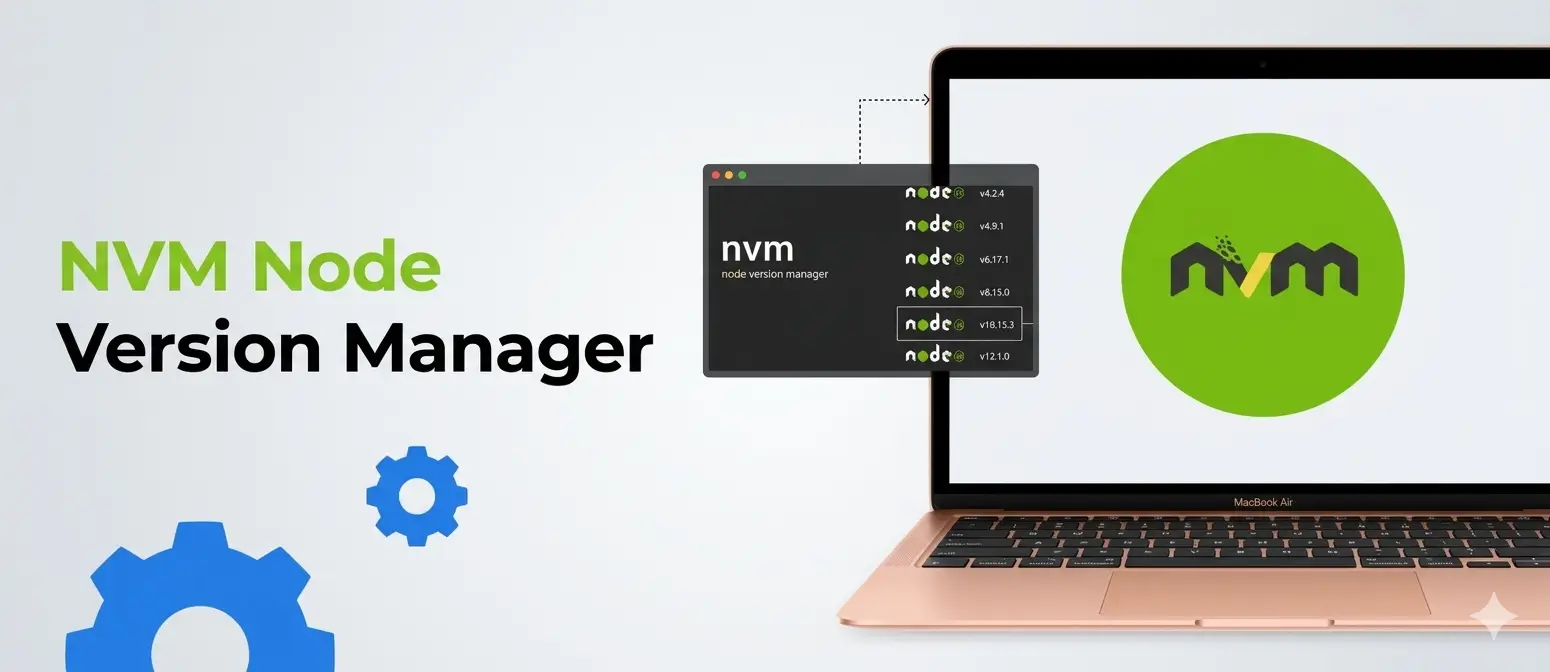
Modern JavaScript development rarely happens in a single, static environment. Projects often require different Node.js versions, making version management essential rather than optional. A node version manager simplifies this complexity, giving developers full control over their runtime environment without friction.
Whether you're working on legacy applications or cutting edge frameworks, a reliable node version manager tool ensures smooth workflows, compatibility, and efficiency.
What is a Node Version Manager?
A node version manager is a tool that allows developers to install, manage, and switch between multiple versions of Node.js on a single system. Instead of manually uninstalling and reinstalling Node.js versions, this tool automates the process with simple commands.
This becomes especially useful when:
- Different projects depend on different Node.js versions
- Testing across multiple environments is required
- Upgrading or downgrading Node.js frequently is necessary
By using a node version manager, developers can maintain consistency across development environments and avoid version conflicts.
Why You Need a Node Version Manager
Managing Node.js versions manually is inefficient and error prone. A node version manager addresses these challenges by introducing flexibility and control.
Key reasons to use one include:
- Seamless switching between Node.js versions
- Improved compatibility across projects
- Simplified environment setup for teams
- Faster debugging and testing across versions
- Reduced risk of breaking dependencies
Without a node version manager, developers often face issues like dependency mismatches, inconsistent builds, and wasted time troubleshooting environment-related errors.
Key Features of a Node Version Manager Tool
A robust node version manager tool offers a wide range of features designed to streamline development workflows.
| Feature | Description |
|---|---|
| Version Installation | Install multiple Node.js versions with ease |
| Version Switching | Instantly switch between installed versions |
| Default Version Setting | Set a global default Node.js version |
| Project-Specific Versions | Automatically use a version based on project config |
| Lightweight Setup | Minimal system overhead and easy installation |
| Cross-Platform Support | Works across macOS, Linux, and Windows (with variants) |
These features collectively enhance productivity and eliminate unnecessary manual work.
How a Node Version Manager Works
At its core, a node version manager creates isolated environments for each Node.js version installed on your system. Instead of replacing the existing version, it stores multiple versions side by side.
When you switch versions, the tool updates your system path to point to the selected version. This ensures that all commands and scripts use the correct runtime without requiring system level changes.
The process typically involves:
- Installing the node version manager
- Downloading desired Node.js versions
- Switching between versions as needed
This abstraction layer allows developers to focus on building applications rather than managing environments.
Popular Node Version Manager Tools
Several tools are widely used as node version managers, each offering unique advantages.
Repeat Grid and Component System
With repeat grids and reusable components, you can maintain consistency across your design while making updates in real time boosting both productivity and quality.
Search Functionality
Especially for large websites, a search bar boosts user convenience and engagement.
| Tool | Platform | Highlights |
|---|---|---|
| NVM (Node Version Manager) | macOS/Linux | Most popular, widely supported |
| NVM for Windows | Windows | Tailored for Windows users |
| fnm (Fast Node Manager) | Cross-platform | Faster performance, lightweight |
| n | macOS/Linux | Simple and minimalistic |
Choosing the right node version manager depends on your operating system and performance requirements.
Benefits of Using a Node Version Manager
A node version manager significantly improves development workflows by introducing efficiency and reliability.
- Enhanced Productivity - Switching versions becomes instantaneous, allowing developers to focus on coding rather than configuration.
- Better Project Compatibility - Each project can run on its required Node.js version without affecting others.
- Improved Collaboration - Teams can standardize Node.js versions, reducing inconsistencies across environments.
- Safe Upgrades - Test new Node.js versions without risking existing projects.
- Simplified CI/CD Integration - Automated pipelines can easily specify and use the required Node.js version
Use Cases for a Node Version Manager
A node version manager is essential in several real-world scenarios.
- Working on multiple projects with different Node.js requirements
- Maintaining legacy applications alongside modern frameworks
- Testing applications across various Node.js versions
- Managing team environments in large-scale development
- Learning and experimenting with different Node.js releases
These use cases highlight why a node version manager is considered a must-have tool for developers.
Node Version Manager vs Manual Installation
| Aspect | Node Version Manager | Manual Installation |
|---|---|---|
| Flexibility | High | Low |
| Ease of Use | Simple commands | Complex process |
| Multiple Versions | Supported | Not supported |
| Time Efficiency | Fast | Time-consuming |
| Risk of Errors | Minimal | High |
Manual installation quickly becomes impractical as project complexity grows, making a node version manager the superior choice.
Best Practices for Using a Node Version Manager
To get the most out of a node version manager tool, follow these best practices:
- Use project configuration files to define required Node.js versions
- Regularly update installed versions for security and performance
- Set a default version for global use
- Avoid unnecessary installations to keep the system clean
- Document version requirements for team projects
These practices ensure a clean, efficient, and scalable development environment.
Common Challenges and How to Overcome Them
While a node version manager simplifies many processes, developers may encounter occasional challenges.
- Version Conflicts - Ensure project-specific configurations are properly defined.
- Environment Path Issues - Restart terminals or reload shell configurations after switching versions.
- Compatibility Problems - Verify dependencies before upgrading Node.js versions.
- Learning Curve - Start with basic commands and gradually explore advanced features.
Understanding these challenges helps developers use a node version manager more effectively.
How to Choose the Right Node Version Manager Tool
Selecting the right tool depends on several factors:
- Operating system compatibility
- Performance requirements
- Ease of installation and usage
- Community support and documentation
- Additional features like speed and automation
For most developers, NVM remains the go-to choice due to its reliability and widespread adoption.
Future of Node Version Management
As JavaScript ecosystems continue to evolve, node version managers are becoming more advanced and user-friendly. Modern tools are focusing on:
- Faster performance
- Better cross-platform support
- Improved automation
- Seamless integration with development tools
These advancements ensure that node version managers will remain an essential part of the development toolkit.
Conclusion
A node version manager is no longer optional for modern developers; it is a necessity. By enabling seamless switching between Node.js versions, it simplifies workflows, enhances productivity, and ensures compatibility across projects.
Whether you're an individual developer or part of a large team, using a node version manager tool can dramatically improve your development experience. It removes unnecessary complexity and allows you to focus on what truly matters: building great applications.